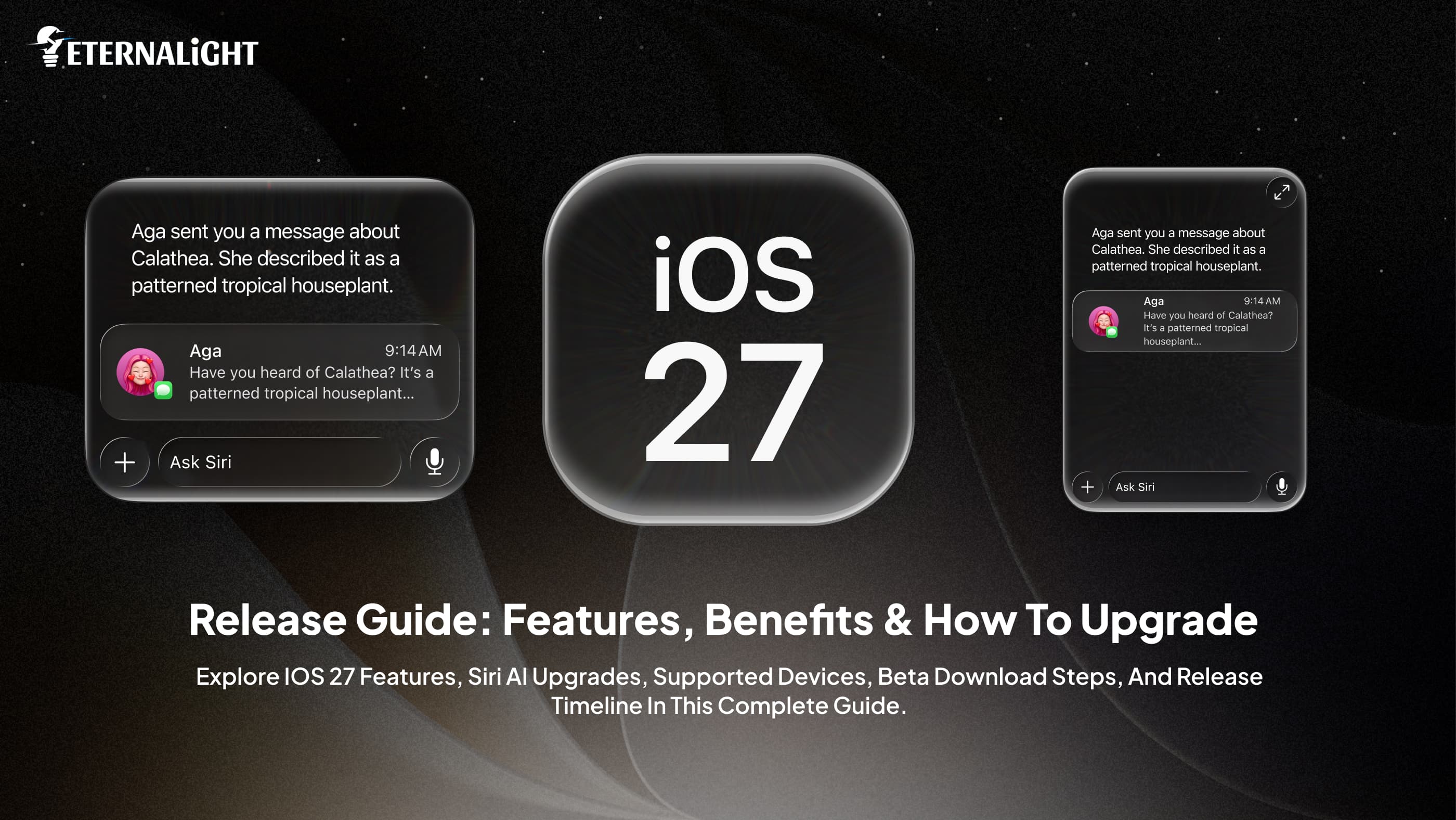
The newest version of Apple’s mobile operating system – iOS 27 – is already available for iPhone users. The update was announced during WWDC2026. It promises to offer several new features that will make using an iPhone more efficient and convenient.
Whether you are interested in innovations in terms of Siri, Apple intelligence, or updates of such applications as Messages, Photos, and Safari, the following article is right for you. As always happens after the launch of a new iOS version, there are numerous questions about what is new, which devices support the update, etc.
In order for companies to keep up with the advances introduced by Apple through iOS 27, they must maintain compatibility with the new software. Businesses that want to design or improve their iPhone apps will surely profit from iOS app development services.
This guide covers everything you need to know about iOS 27, including its features, supported iPhones, beta availability, release schedule, and upgrade considerations.
What is iOS 27?
The latest operating system launched by Apple is iOS 27, and this system replaces iOS 26. With this update, Apple further emphasizes its mission to create an ecosystem and, at the same time, provides intelligent features that will allow the user to be more productive.
The new version builds on the foundation laid by previous releases and focuses on three key areas:
- Smarter artificial intelligence features
- Improved system performance and efficiency
- Enhanced user experience across core apps
Some functions have not been updated simply because of the need for a visual change, but have been upgraded in terms of functionality, so the user will appreciate not only the ease of use but also the effectiveness of these functions.
Key Highlights of iOS 27
Before diving into individual features, here is a quick overview of what stands out in iOS 27:
- More intelligent Siri interactions
- Expanded Apple Intelligence capabilities
- Better performance and battery optimization
- Improved Messages experience
- Enhanced photo management and editing tools
- Smarter Safari browsing features
- Stronger privacy and security controls
- New accessibility enhancements
- Better device integration within the Apple ecosystem
These updates collectively contribute to a more responsive and personalized user experience.
Top Features of iOS 27
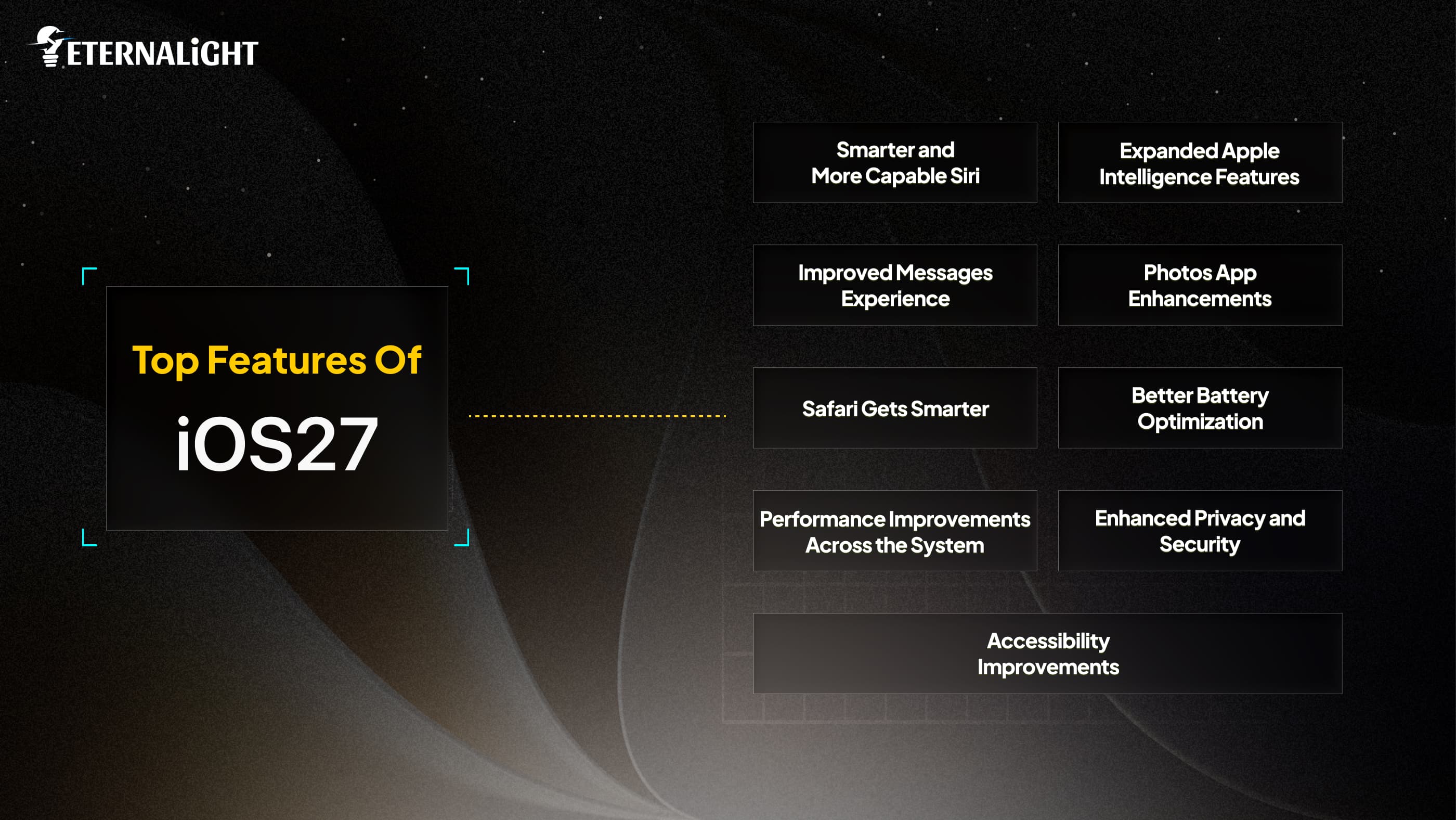
New iOS 27 brings many improvements concentrated around artificial intelligence, performance, privacy, and usability aspects. The new version is supposed to make using an iPhone easier and more productive, thanks to such innovations as better Siri functionality and optimized applications.
Smarter and More Capable Siri
Improvements in Siri have been one of the major focuses in iOS 27.
Apple has concentrated its efforts on improving Siri in terms of its ability to be more conversational and understand context more easily. Siri is no longer limited by its ability to perform individual tasks but can now engage more fluidly in conversations.
This means that, for instance, users don't have to give Siri all the context before asking a follow-up question.
Benefits of the New Siri:
- Better understanding of conversational language
- Faster responses
- Improved app interactions
- More accurate task execution
- Enhanced personalization
These changes help Siri feel less like a voice assistant responding to commands and more like a helpful digital companion.
Expanded Apple Intelligence Features
Apple remains committed to developing on-device intelligence solutions.
iOS 27 enables Apple Intelligence to be further incorporated into the OS. This will allow for offering helpful functions without the user having to frequently jump from one app to another or execute repetitive operations.
Apple Intelligence can help users:
- Quickly summarize information
- Efficiently organize their content
- Enhance productivity workflows
- Get customized recommendations
- Automate frequent tasks
Since most operations will take place directly on devices that support it, Apple continues to prioritize privacy in its intelligent experience.
Improved Messages Experience
Messages remains one of the most frequently used apps on iPhone, and iOS 27 introduces several enhancements to make communication easier.
What’s New in Messages?
- Improved organization of messages
- Improved searches
- Intelligent replies
- Better group messaging
- Customization
Finding old conversations and handling current conversations without any hassle will be much easier now.
These improvements are especially useful for individuals who rely on messages for both personal and professional communication.
Photos App Enhancements
There are numerous improvements introduced into the Photos application designed to make life easier for users when browsing through and managing their memories.
Key Improvements:
- Smarter photo categorization
- Better search functionality
- Improved editing tools
- Faster media loading
- Enhanced album management
Search becomes much more user-friendly and efficient owing to recognition and organization functions.
For people who have thousands of photos, navigation within the app may become noticeably better.
Safari Gets Smarter
The Safari browser is continuously being developed with new features for speed, privacy, and convenience.
Safari Updates in iOS 27:
- Faster page loading
- Greater privacy features
- More effective tab management
- An improved reading experience
- Intelligent search suggestions
Apple has been trying to minimize distractions for its users to be able to concentrate more on their work.
Users who dedicate lots of time to research or article reading would appreciate those updates.
Better Battery Optimization
Battery efficiency is still a very important factor when it comes to smartphones.
The improvements made in iOS 27 include a number of tweaks that aim at increasing efficiency without affecting the performance levels.
Potential Benefits:
- Reduced background activity
- Better power management
- Improved charging intelligence
- Longer daily battery life
- More efficient resource allocation
Users should be able to gain improved performance and more consistent battery life.
Performance Improvements Across the System
Apple has focused on improving overall system responsiveness.
Areas of Improvement:
- Faster app launches
- Smoother animations
- Reduced lag
- Better multitasking performance
- Improved system stability
These optimizations help ensure that supported devices continue to perform well even after receiving major software updates.
Enhanced Privacy and Security
Privacy remains one of Apple’s core priorities.
iOS 27 introduces additional controls that help users understand how their data is being accessed and used.
Privacy Features:
- More transparency in app permissions
- Improved tracking controls
- Enhanced account protection
- Better security alerts
- Stronger system safeguards
These updates provide users with greater confidence and control over their personal information.
Accessibility Improvements
Apple has long been recognized for its accessibility features, and iOS 27 continues that tradition.
Enhancements:
- Improved voice controls
- Better screen reader support
- Enhanced visual assistance tools
- More customization options
- Improved communication features
These additions help make the iPhone experience more inclusive for a wider range of users.
Supported iPhones for iOS 27
Generally, Apple tends to offer support for multiple versions of iPhones. Even though supported products may differ across each release, iOS 27 is likely to support a wide array of iPhones.
iPhone Series
- iPhone 17 Series: iPhone 17, 17 Pro, 17 Pro Max, 17 Air, and 17e
- iPhone 16 Series: iPhone 16, 16 Plus, 16 Pro, 16 Pro Max, and 16e
- iPhone 15 Series: iPhone 15, 15 Plus, 15 Pro, and 15 Pro Max
- iPhone 14 Series: iPhone 14, 14 Plus, 14 Pro, and 14 Pro Max
- iPhone 13 Series: iPhone 13, 13 mini, 13 Pro, and 13 Pro Max
- iPhone 12 Series: iPhone 12, 12 mini, 12 Pro, and 12 Pro Max
- iPhone 11 Series: iPhone 11, 11 Pro, and 11 Pro Max
- iPhone SE: iPhone SE (2nd generation, 3rd generation)
Compatibility checks should be carried out before installation using information from official Apple sources.
iOS 27 Release Timeline
Apple follows a fairly consistent release schedule each year.
Developer Beta
The Developer Beta comes out right away after WWDC.
Purpose:
- App testing
- Checking developer compatibility
- Feature Assessment
Public Beta
The Public Beta usually comes some weeks later.
Purpose:
- Wider testing
- Collecting user feedback
- Finding bugs
Final Public Release
The final release of the OS is often launched together with the iPhone release.
Expected Timeline:
Release Stage | Timeline |
Developer Beta | June 2026 |
Public Beta | July 2026 |
Stable Release | September 2026 |
How to Download the iOS 27 Beta
In case you wish to launch iOS 27 even before it is officially launched, Apple already has the Developer Beta, and the Public Beta is expected to launch in July 2026.
As mentioned above, it is advised to create a backup of your iPhone prior to the installation of beta software due to possible bugs, problems with apps, or poor performance.
Prerequisites Before Installing:
Before downloading iOS 27 Beta, make sure you:
- Have a compatible iPhone
- Log in to the App Store using your Apple ID
- Create either an iCloud or a local backup
- Make sure there is at least 10 - 15 GB available.
- Connect to Wi-Fi
- Charge your iPhone at least to 50%
Steps to Download iOS 27 Developer Beta
The company also offers certain users an opportunity to try out newly launched features by participating in the Developer Beta program.
To install iOS 27 Developer Beta on your compatible iPhone, follow the instructions listed below.
Step 1: Enroll in Apple’s Developer Program
Visit Apple’s developer platform and sign in with your Apple ID. Apple allows users to access developer betas through a developer account.
Step 2: Open Software Update
On your iPhone, go to:
Settings -> General -> Software Update
Step 3: Enable Beta Updates
Tap Beta Updates and select:
iOS 27 Developer Beta
If you don’t see the option, ensure you’re signed in with the same Apple ID used for developer enrollment.
Step 4: Download and Install
Return to the software update screen.
You should now see:
iOS 27 Developer Beta
Tap Download and Install and follow the on-screen instructions.
Step 5: Wait for Installation
Your iPhone will restart several times during installation. Once completed, you’ll be running iOS 27 Beta.
Should You Install the Beta?
Install if:
- Like trying out new features.
- You are a developer.
- Have a backup iPhone.
Avoid if:
- The iPhone is your main work phone.
- Need total stability.
- Use banking/business applications.
There have been several instances reported by beta users regarding application compatibility issues and bugs in the first phases of the beta version.
iOS 27 vs iOS 26: What’s New?
The most significant distinction between iOS 26 and iOS 27 is Apple's attempt at providing an intelligent user experience using Siri AI and advanced Apple Intelligence functionalities. Whereas iOS 26 was characterized by the inclusion of a lot of elements of the Liquid Glass design language, iOS 27 emphasizes usability, intelligence, and performance.
Feature | iOS 26 | iOS 27 |
Main Focus | Liquid Glass redesign | Siri AI, Apple Intelligence & performance |
Siri | Traditional Siri experience | New Siri AI with conversational responses and personal context awareness |
Apple Intelligence | Limited integration | Deeper integration across apps and system features |
Messages | Standard smart features | More contextual suggestions and AI-powered assistance |
Safari | Improved browsing | AI-powered tab organization and smarter browsing tools |
Photos | Basic AI editing | Enhanced AI editing, cleanup tools, and smarter search |
Performance | Good overall speed | Faster app launches, photo loading, and AirDrop performance |
Screen Time | Standard parental controls | Redesigned parental controls and child safety features |
Privacy | Strong privacy controls | Enhanced privacy with smarter on-device intelligence |
Automation | Basic Shortcuts improvements | More intelligent automation and contextual actions |
User Experience | Visual redesign focus | Productivity, speed, and smarter interactions |
Beta Availability | Released in 2025 | Developer Beta available now, Public Beta in July 2026 |
Stable Release | Available | Expected September 2026 |
Conclusion
iOS 27 is yet another big leap that the iPhone has made. The update brings with it more intelligent AI features, a more intelligent Siri, improved performance, enhanced security, and upgrades to many of the company’s top apps.
No matter whether you choose to try out the beta or wait for the final release of iOS 27, numerous new changes will make your everyday tasks much easier.
As the company further develops the update through its beta testing program, the latest version of the iPhone’s operating system awaits.

Kusum Sethiya
Software Engineer
Kusum Sethiya is a Software Engineer at Eternalight Infotech, focused on building clean and intuitive. She enjoys turning ideas into reliable applications using modern technologies like Javascript, React, Node.js , and MongoDB.
Frequently Asked Questions
The stable public version is expected to arrive in September 2026.
The Developer Beta is available, while the Public Beta is expected later in the testing cycle.
You can, but beta software may contain bugs. It is generally safer to wait for the stable release.
Apple has introduced battery optimization improvements, although results may vary by device and usage patterns.
Yes. Siri has received significant upgrades in conversational understanding, context awareness, and overall intelligence.
Related Blogs
 Software Development10 Mins
Why Choose an IT Staffing Agency for Your SaaS Product Development?
Speed up SaaS delivery with tested, adaptable resources – get instant access to specialists in engineering, design, and more via a trusted IT staffing firm.
- Software Development10 Mins
Dedicated Developers vs Freelancers: Which Hiring Model Is Better?
dedicated-developers-vs-freelancers
 Software Development12 Mins
Native vs Cross Platform: Which Mobile Development Fits Your Product Best
Compare Native vs Cross Platform app development based on cost, performance, scalability, and UX to choose the best mobile strategy for your product.